Moving To a New Site

I have just decided that it's time to move on and have my own domain. All the posts in this blog will be moved to:

www.pinoygeek.org

Personal posts will be transferred to: raldz.pinoygeek.org

Monday, December 19, 2005

Turn the looks of your Windows XP into a Mac
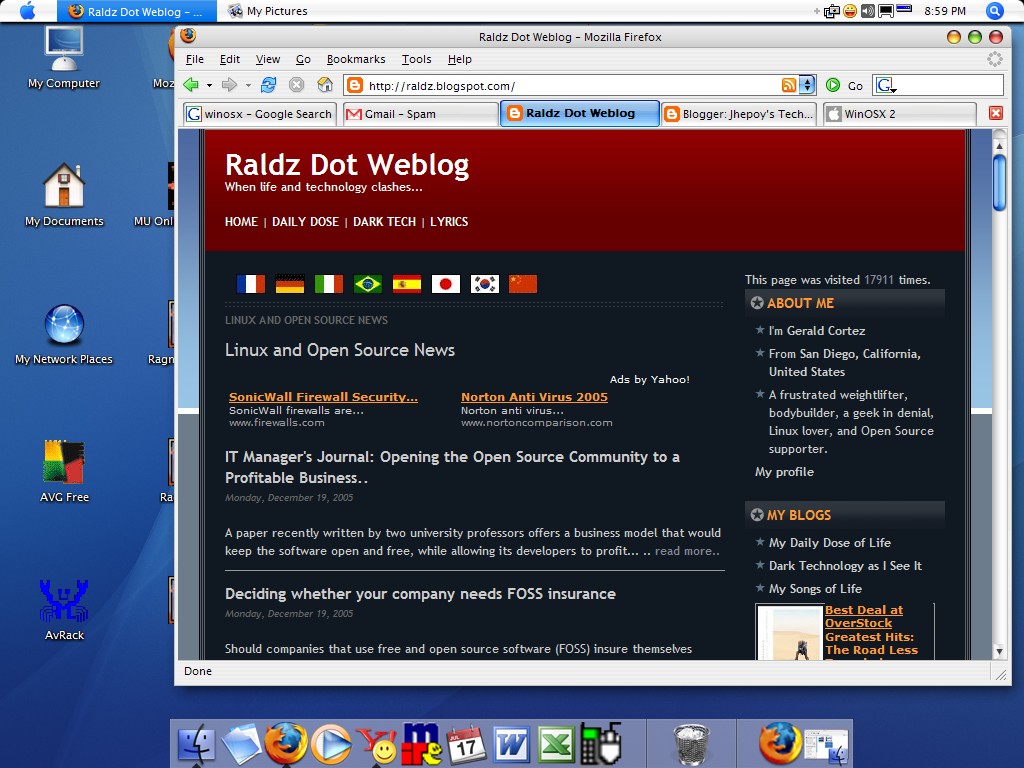
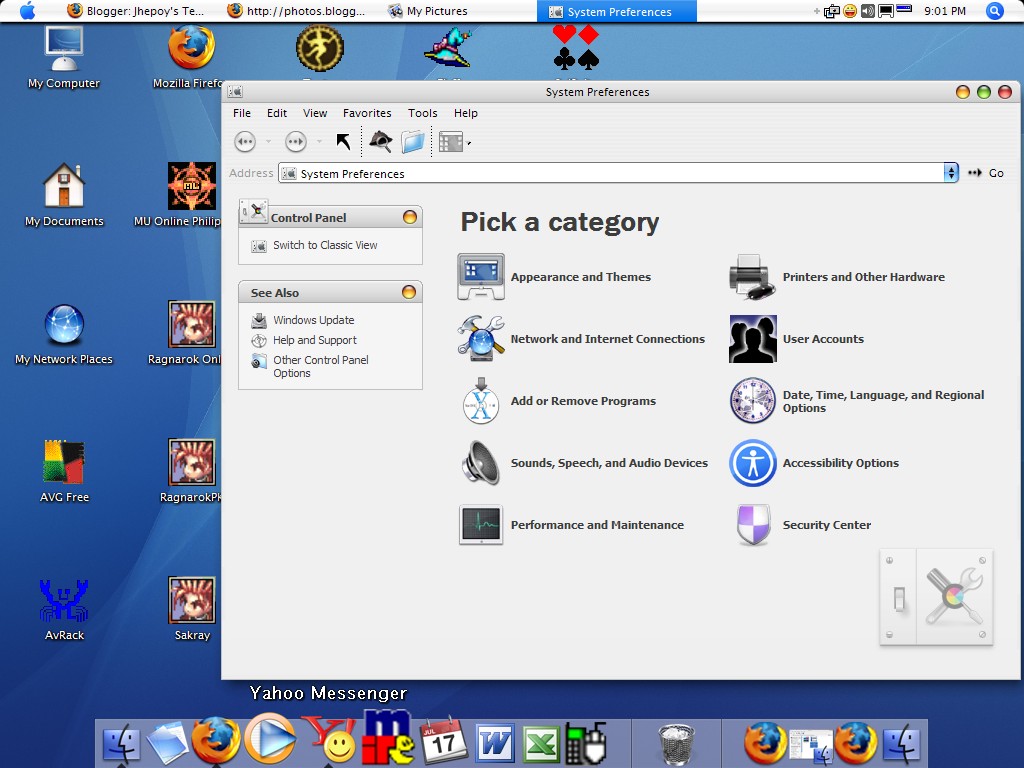

WinOSX 2

WinOSX is an installer which can customize your whole system very easily : windows, controls, Finder, Dock, shadows, and many other features. If you don't like some features or the complete pack, you can uninstall some components or the full software safely.

So, if you are a Mac user who recently switched to Windows, or if you just think that Macs have a far better look than Windows, WinOSX is for you ! Change easiely the interface of Windows XP into a Mac OS X one !


Download the WinOSX 2 here.


FlyakiteOSX


FlyakiteOSX is a transformation pack. It will transform the look of an ordinary Windows XP+ system to resemble the look of Mac OS X. The installer simply automates the process of replacing critical system files, setting registry tweaks, and installing extras such as cursors, sounds, visual styles, etc. FlyakiteOSX DOES NOT contain any spyware or ad-ware of any kind. All files needed for FlyakiteOSX are stored in the Windows directory in a folder named 'FlyakiteOSX' that is hidden by default. All registry values for FlyakiteOSX are written to HKEY_LOCAL_MACHINE\Software\FlyakiteOSX.

Download FlyakiteOSX here.

Monday, December 12, 2005

MS Windows Vista is 20 Years Behind!

Just recently, Microsoft is bragging about its new feature that will be integrated in Windows Vista called the Restart Manager. The guys at Redmond think that this is a significant addition to the new version of Windows.. a big deal.

The Restart Manager is designed to update the operating system without having to do a manual or forced reboot of the machine. This feature is significantly important to servers having a lot of connected clients. With this feature, network administrators would not have to worry about telling the client computers to save your work ang log off the network because the damn server needs to reboot.

Desktop wise, a user may continue working on the machine while doing an automatic update or patch. After an update, the screen will go blank and on again with all your works still there where you left them.

So, the guys at Redmond really are right in saying that this is really an important feature of Windows Vista.. but as far as I know, this feature is already in Linux/Unix since the mid 80s. A feature enjoyed by Linux/Unix users for almost 20 years! And it is only now that Microsoft came to think that it is important!

I have an Ubuntu and SUSE machine running everyday, and I have made a lot of updates without an interruption of a single reboot. I love how this feature works in Linux machines. Will Microsoft catch up to Linux/Unix and make this feature a seamless integration to Vista? A technology perfected by Linux/Unix for almost 20 years.. its about time that Microsoft wake up.

Sunday, December 11, 2005

Make Firefox run up to 30 times faster

1. Type "about:config" into the address bar and hit return. Scroll
down and look for the following entries:

network.http.pipelining
network.http.proxy.pipelining
network.http.pipelining.maxrequests

Normally the browser will make one request to a web page at a time.
When you enable pipelining it will make several at once, which really
speeds up page loading.

2. Alter the entries as follows:

Set "network.http.pipelining" to "true"

Set "network.http.proxy.pipelining" to "true"

Set "network.http.pipelining.maxrequests" to some number like 30 (mine is set to 100..hehehe). This means it will make 30 requests at once.

3. Lastly right-click anywhere and select New-> Integer.
Name it "nglayout.initialpaint.delay" and set its value to "0".
This value is the amount of time the browser waits before it acts on information it recieves.

If you're using a brodband connection you'll load pages 2-30 times faster now.

Orignally posted at: Halomods